> ## Documentation Index
> Fetch the complete documentation index at: https://docs.boltz.bio/llms.txt
> Use this file to discover all available pages before exploring further.
# General
> Configure your organization name and basic settings
The General settings page allows you to configure basic information about your organization.
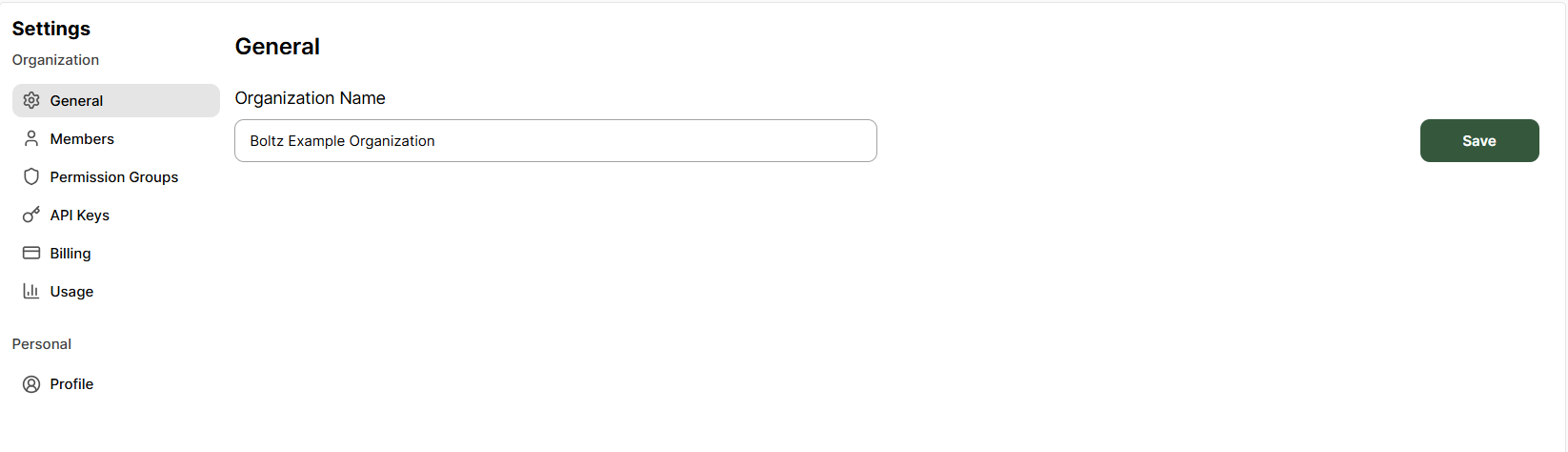 ### Organization Name
Your organization name is displayed throughout the platform and helps identify your team's workspace.
### Updating Your Organization Name
1. Navigate to **Settings → General**
2. Enter your new organization name in the text field
3. Click **Save** to apply changes
Changing your organization name does not affect your data or projects.
It is purely a display name change.
***
Only users with **Admin** access to organization management can modify general settings. See [Permission Groups](/settings/permission-groups) for details.
### Organization Name
Your organization name is displayed throughout the platform and helps identify your team's workspace.
### Updating Your Organization Name
1. Navigate to **Settings → General**
2. Enter your new organization name in the text field
3. Click **Save** to apply changes
Changing your organization name does not affect your data or projects.
It is purely a display name change.
***
Only users with **Admin** access to organization management can modify general settings. See [Permission Groups](/settings/permission-groups) for details.