> ## Documentation Index
> Fetch the complete documentation index at: https://docs.boltz.bio/llms.txt
> Use this file to discover all available pages before exploring further.
# Sandbox
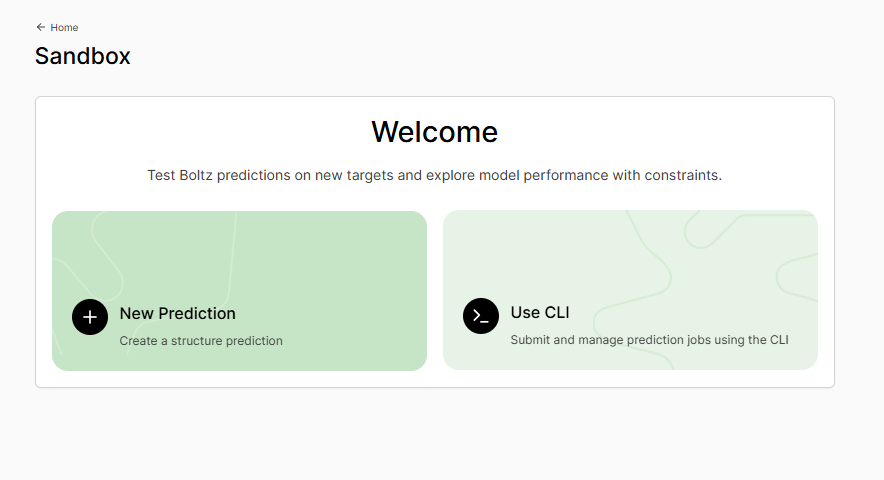
> Your personal workspace for rapid Boltz predictions.
The Sandbox is the best place to start running your first predictions in Boltz Lab.
Here, you can quickly test hypotheses, validate binding poses, explore protein structures - all in a private workspace where you can experiment freely before committing to larger screening campaigns.
 ***
## Why Use Sandbox?
Test a binding hypothesis in minutes
Iterate quickly setting different constraints
Your predictions are visible only to you
***
## What Can You Predict?
Sandbox supports the prediction of the structure of arbitrary biomolecular complexes. Common use cases include:
| System Type | Example Use Cases |
| -------------------- | --------------------------------------------------------------------- |
| **Protein-Ligand** | Validate docking poses, predict binding modes, assess ligand affinity |
| **Protein-Protein** | Model complex interfaces, predict interaction sites |
| **Protein-RNA/DNA** | Explore nucleic acid binding proteins |
| **Apo Structures** | Predict protein conformations |
| **Covalent Binders** | Model irreversible inhibitors with bond constraints |
Sandbox is ideal for **one-off predictions** - validating a single compound, checking a crystal structure hypothesis, or exploring a new target before setting up a full Design Project.
***
## Your Prediction History
***
## Why Use Sandbox?
Test a binding hypothesis in minutes
Iterate quickly setting different constraints
Your predictions are visible only to you
***
## What Can You Predict?
Sandbox supports the prediction of the structure of arbitrary biomolecular complexes. Common use cases include:
| System Type | Example Use Cases |
| -------------------- | --------------------------------------------------------------------- |
| **Protein-Ligand** | Validate docking poses, predict binding modes, assess ligand affinity |
| **Protein-Protein** | Model complex interfaces, predict interaction sites |
| **Protein-RNA/DNA** | Explore nucleic acid binding proteins |
| **Apo Structures** | Predict protein conformations |
| **Covalent Binders** | Model irreversible inhibitors with bond constraints |
Sandbox is ideal for **one-off predictions** - validating a single compound, checking a crystal structure hypothesis, or exploring a new target before setting up a full Design Project.
***
## Your Prediction History
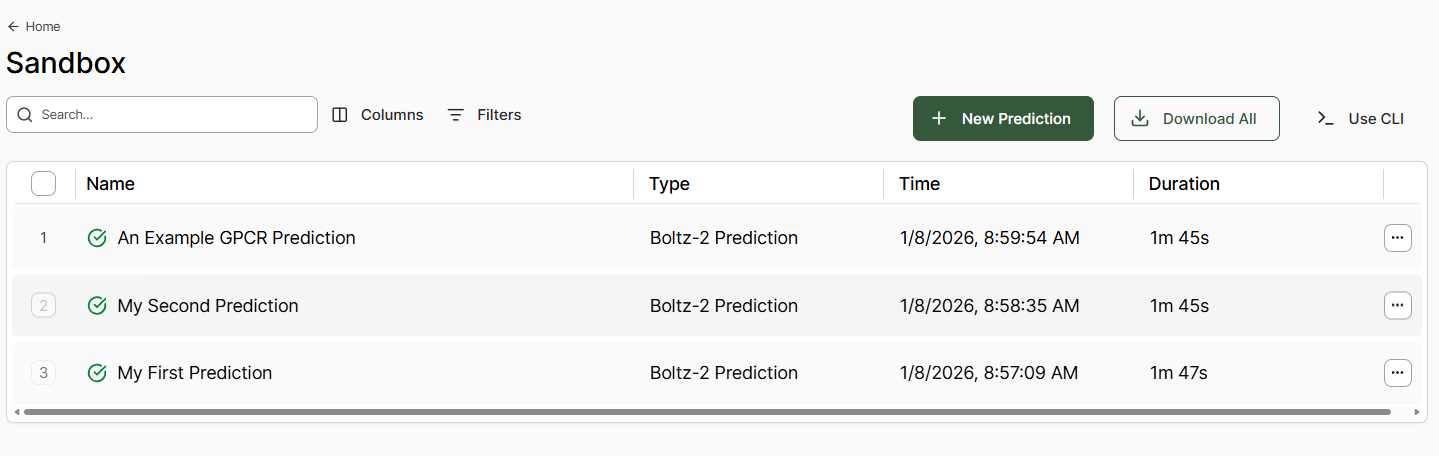 All your Sandbox predictions are stored and searchable. Use the table view to:
* **Search** predictions by name
* **Filter** by status or date
* **Sort** columns to find what you need
* **Duplicate** previous predictions as starting points
All your Sandbox predictions are stored and searchable. Use the table view to:
* **Search** predictions by name
* **Filter** by status or date
* **Sort** columns to find what you need
* **Duplicate** previous predictions as starting points
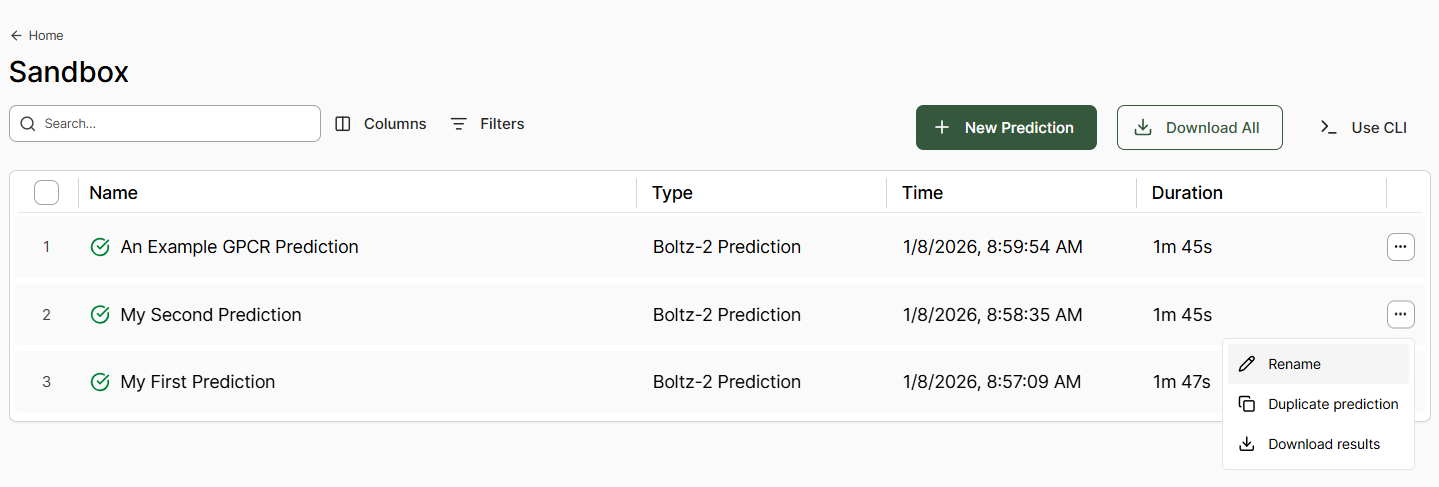 Hover over any row to display the three-dot menu for quick actions:
* **Duplicate prediction** - Clone all inputs to start a new prediction
* **Download results** - Export structures and data for offline analysis
***
## What's Next?
Step-by-step guide to creating predictions
Interpret confidence scores, view structures, and analyze binding
Hover over any row to display the three-dot menu for quick actions:
* **Duplicate prediction** - Clone all inputs to start a new prediction
* **Download results** - Export structures and data for offline analysis
***
## What's Next?
Step-by-step guide to creating predictions
Interpret confidence scores, view structures, and analyze binding