

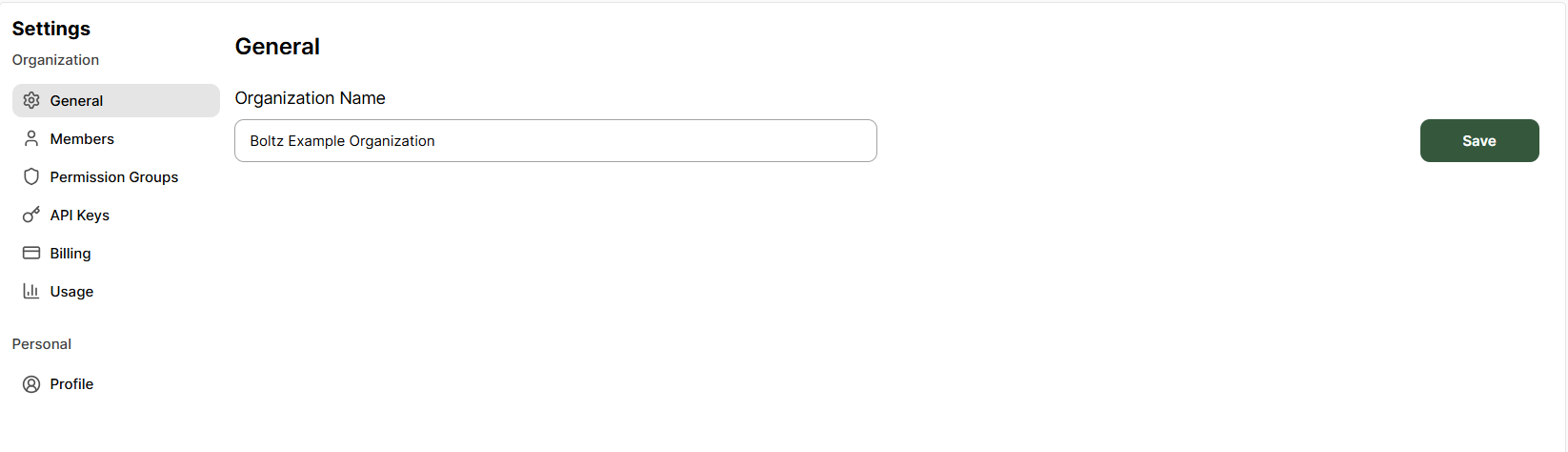
Organization Name
Your organization name is displayed throughout the platform and helps identify your team’s workspace.Updating Your Organization Name
- Navigate to Settings → General
- Enter your new organization name in the text field
- Click Save to apply changes
Changing your organization name does not affect your data or projects.It is purely a display name change.