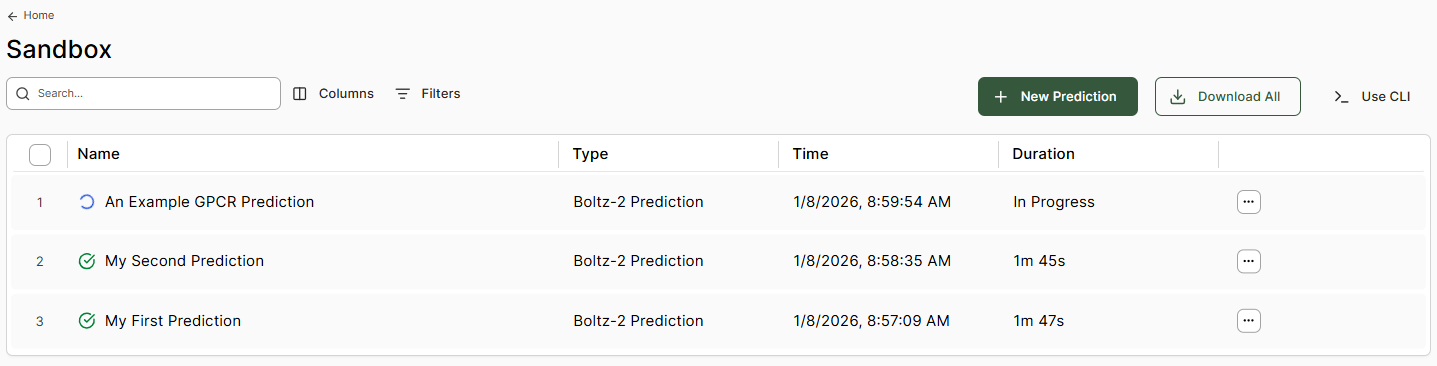
Once predictions are complete, the database is populated with the outputs. Image Clicking a row opens the results viewer window.
To rename a prediction, select the edit button next to the prediction title name.
The right-hand side information boxes provide:
  • Boltz Prediction Properties - Model scoring metrics including affinity metrics (if selected)
  • RDKit Descriptors - Standard molecular property calculations Image
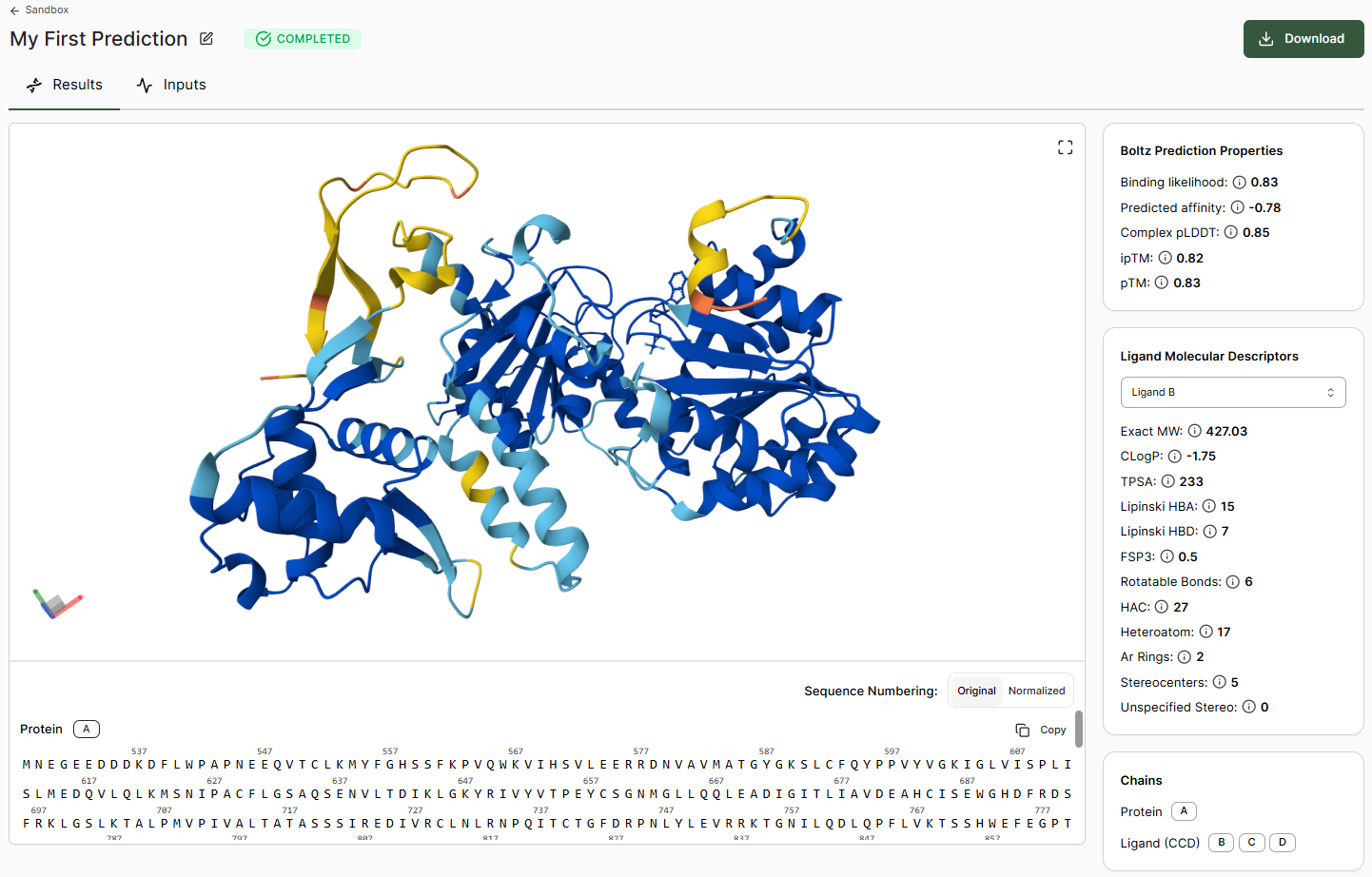
The 3D viewer displays the structure colored by per-residue pLDDT. Hovering over a residue, ligand, or cofactor in the viewer (or within the sequence window below) displays additional per-residue information.

Interaction Analysis

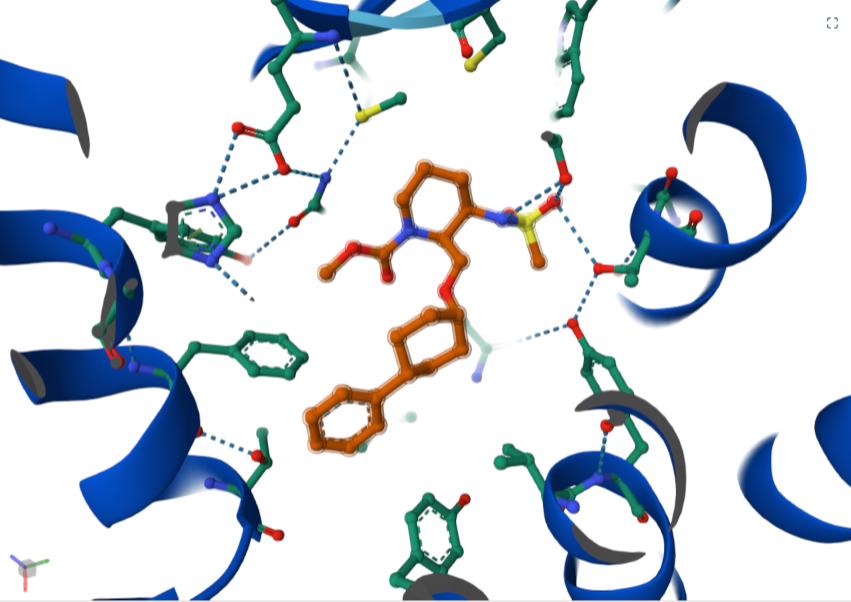
Clicking a ligand or molecule in the viewer reveals additional interactions. Download
For more information on using the viewer, see the Mol* (MolStar) user guide.
If you wish to view or process in alternative software, the Download button allows export of the structural prediction and associated data for offline use.