

TLDR? - We completely understand!
We have tried to design the platform to be easy to use. So getting started with your first prediction is a good way of learning as you go. This Quickstart guide will get your first prediction submitted as quickly as possible.
Essential: Sandbox vs Design Projects
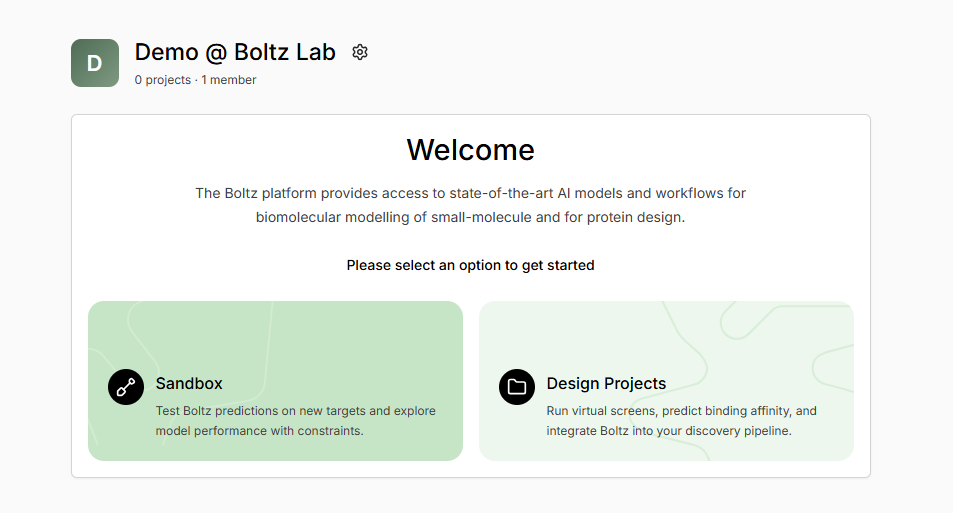
Start in Sandbox to validate your target and binding site, then move to a Design Project when you’re ready to screen compound libraries, run generative campaigns, or simply manually test different hypotheses.
Quick Start
1
Open Sandbox
Navigate to Sandbox from the Welcome box, or from the top menu bar
2
New Prediction
Click + New Prediction to launch the prediction wizard
3
Add Components
Import your protein (from PDB or sequence) and ligand (SMILES, structure, or CCD code)
4
Set Constraints (Optional)
Add bond, contact, or pocket constraints to guide the prediction
5
Submit
Click Submit Prediction and results typically arrive in 1-3 minutes