

Design Projects are shared workspaces where team members within an organization can collaborate on projects.They facilitate hypothesis-driven phases of a research project and provide a space to collate knowledge, designs and predictions in an organized and accessible hierarchy.By default, all work is visible to everyone within your organization.
Project Hierarchy
Boltz Lab provides a hierarchy organisation to organise Design Projects and provide structure:1. Design Project
Worked on by a team of scientists, optimizing small-molecules against one or more Targets. Contains Experiments as sequential or parallel phases of the DMTA cycle.
2. Experiment
A single or collection of Virtual Screens used to assess Boltz binding poses and affinity scores for a particular hypothesis.
3. Virtual Screen
A collection of small-molecule designs for assessment against a Target. Can range from small bespoke designs to large commercial libraries.
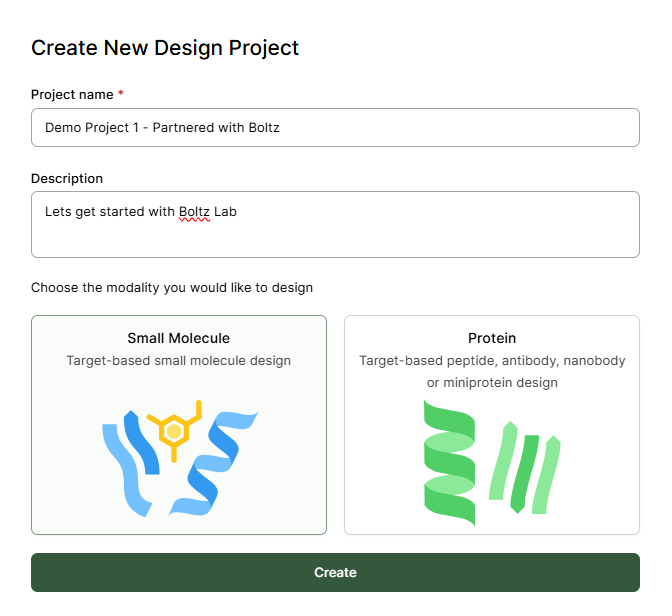
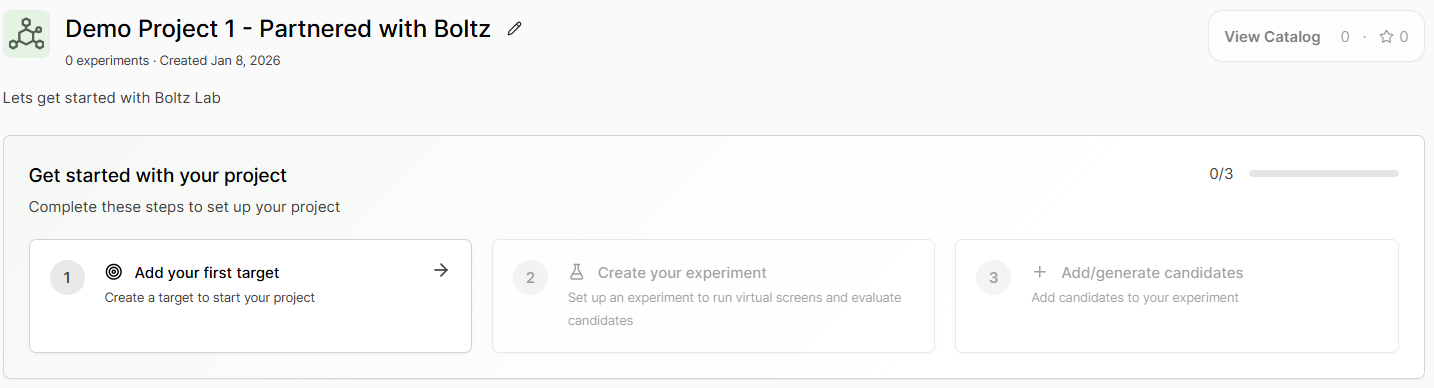
Creating a Design Project
Click Design Projects to get started.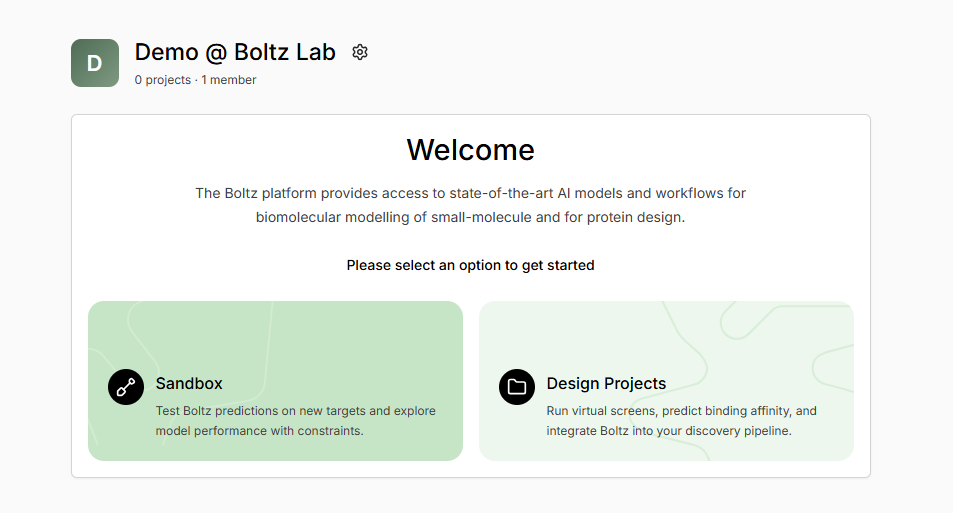
Design Project Guidance and Tips
Experiment Examples
Good experiment hypotheses are specific and actionable:- Hit Discovery
- Lead Optimization
- Vendor Libraries
- Project Database
Name: Pocket A Hit Finding CampaignHypothesis: Identified Pocket A on target Kinase X as having potential for pharmacological function. Screening 60,000 generated molecules to find hit starting matter for a drug discovery campaign.
Virtual Screen Sources
Virtual screens can come from diverse sources:- Small, uploaded bespoke designs
- Large commercial vendor or uploaded libraries
- Generative design campaign, using Boltz AI models to propose new candidates