

Overview
Virtual screens generate protein binder candidates using AI. You can pause and resume screens at any time.Creating a New Virtual Screen
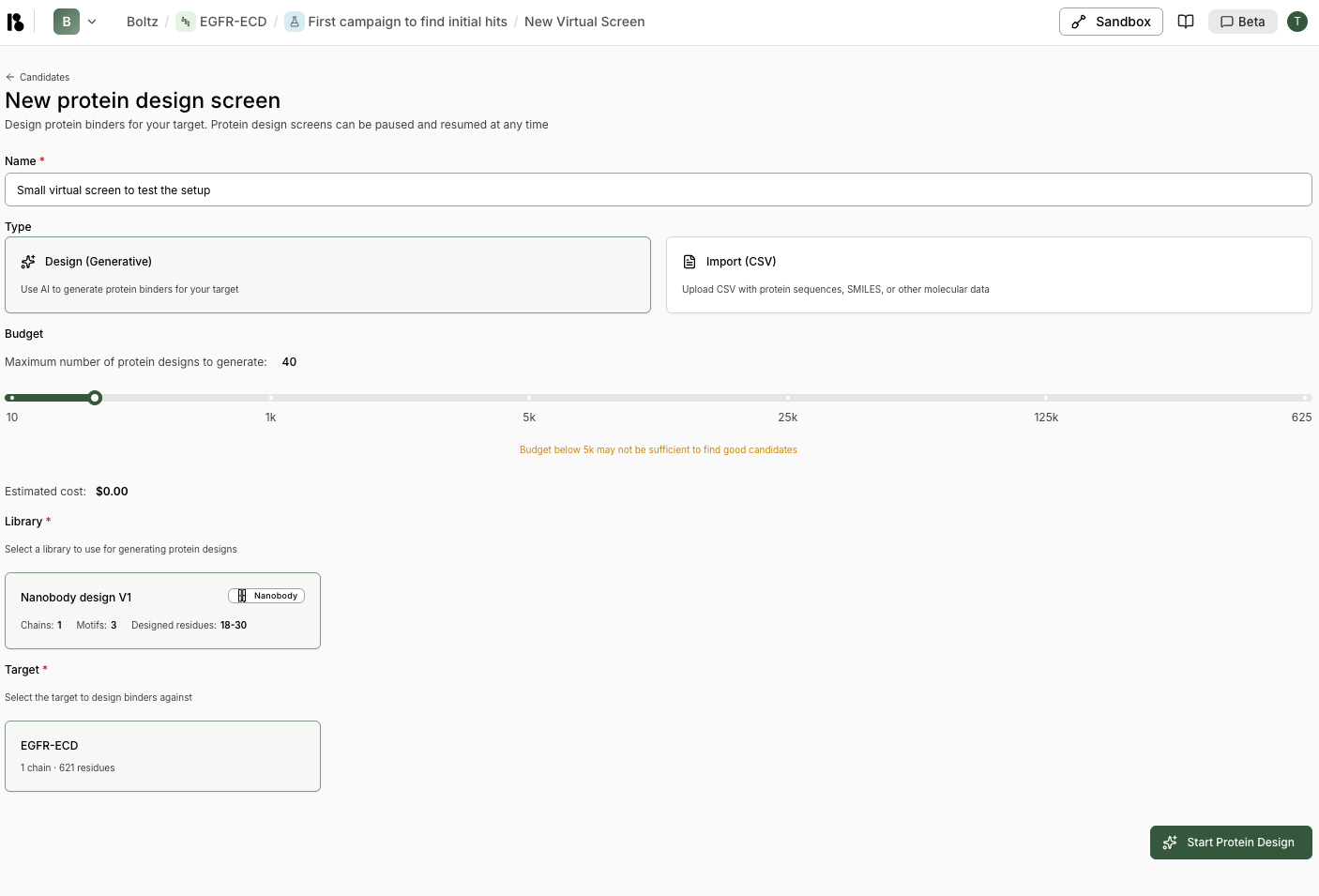
- From an experiment, click “New virtual screen” or “Virtual Screen”.
- Name - Enter a name for this protein design screen (e.g., “Small virtual screen to test the setup”)
-
Type - Choose your screen type:
- Design (Generative)
- Import (CSV)
Use AI to generate protein binders for your target. This is the most common option for discovering new candidates. -
Budget - Set the maximum number of protein designs to generate:
- Use the slider to select: 10, 1k, 5k, 25k, 125k, or 625k
- Estimated cost is displayed below
-
Design Specification - Select a binder specification to use for generating protein designs
- Shows binder specification details: Chains, Motifs, Designed residues
- Only binder specifications added to your project are shown
-
Target - Select the target to design binders against
- Shows target details: number of chains and residues
- Only initialized targets are available
-
Experiment - Select an experiment for this virtual screen
- Choose from existing experiments or create a new one
- If no experiments exist, you’ll be prompted to create one
- Click “Start Protein Design” to begin.
Monitoring Virtual Screens
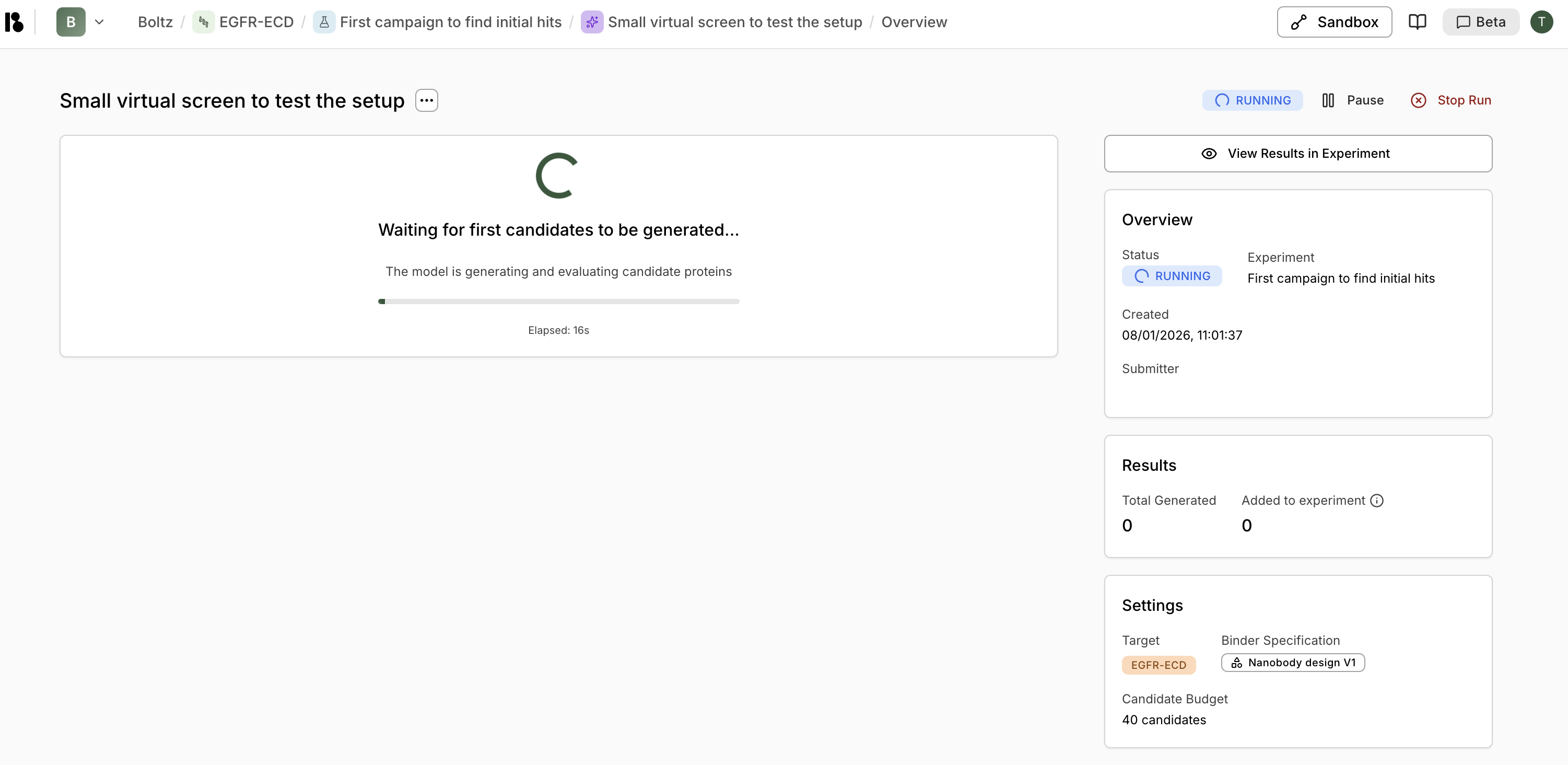
- View progress - See “Waiting for first candidates to be generated…” with elapsed time
- Pause - Temporarily pause the screen
- Stop Run - Cancel the screen entirely
- View Results in Experiment - Navigate to see candidates as they’re generated
Status Indicators
- RUNNING (blue) - Screen is actively generating candidates
- COMPLETED (green) - Screen has finished generating all candidates
- PAUSED - Screen is paused and can be resumed
Viewing Results
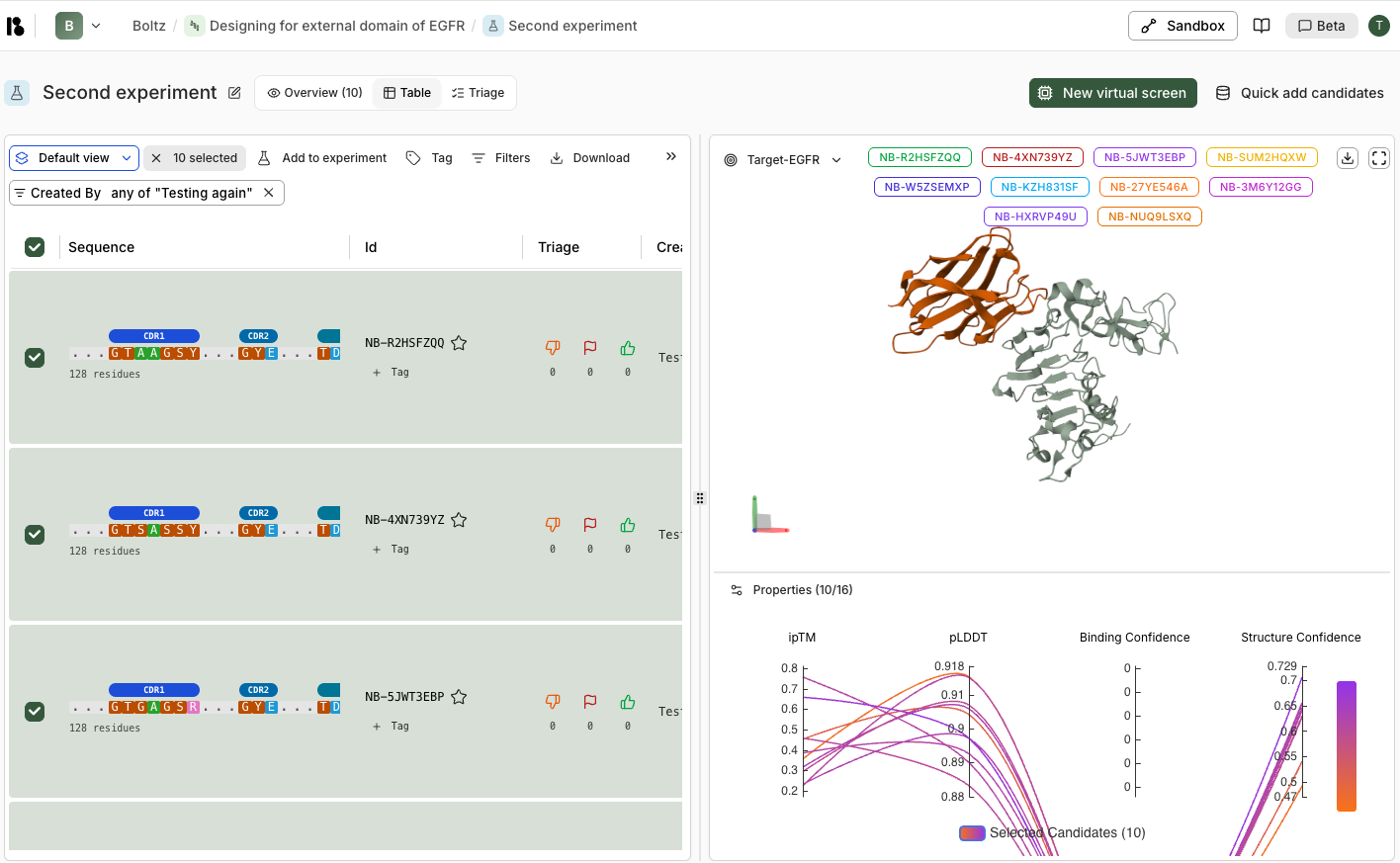
Performance Metrics
Top Performers: Binding Confidence- Tracks the best, 10th best, and 100th best candidates over time
- Shows how binding confidence improves as more candidates are processed
- Cumulative count of candidates exceeding threshold values (>0.5, >0.6, >0.7, >0.8)
- Helps assess overall screen quality
Screen Details
- Status: COMPLETED
- Total Generated: Number of candidates created
- Added to experiment: Number automatically added (top performers)
- Settings: Binder specification modality, chains, candidate budget